
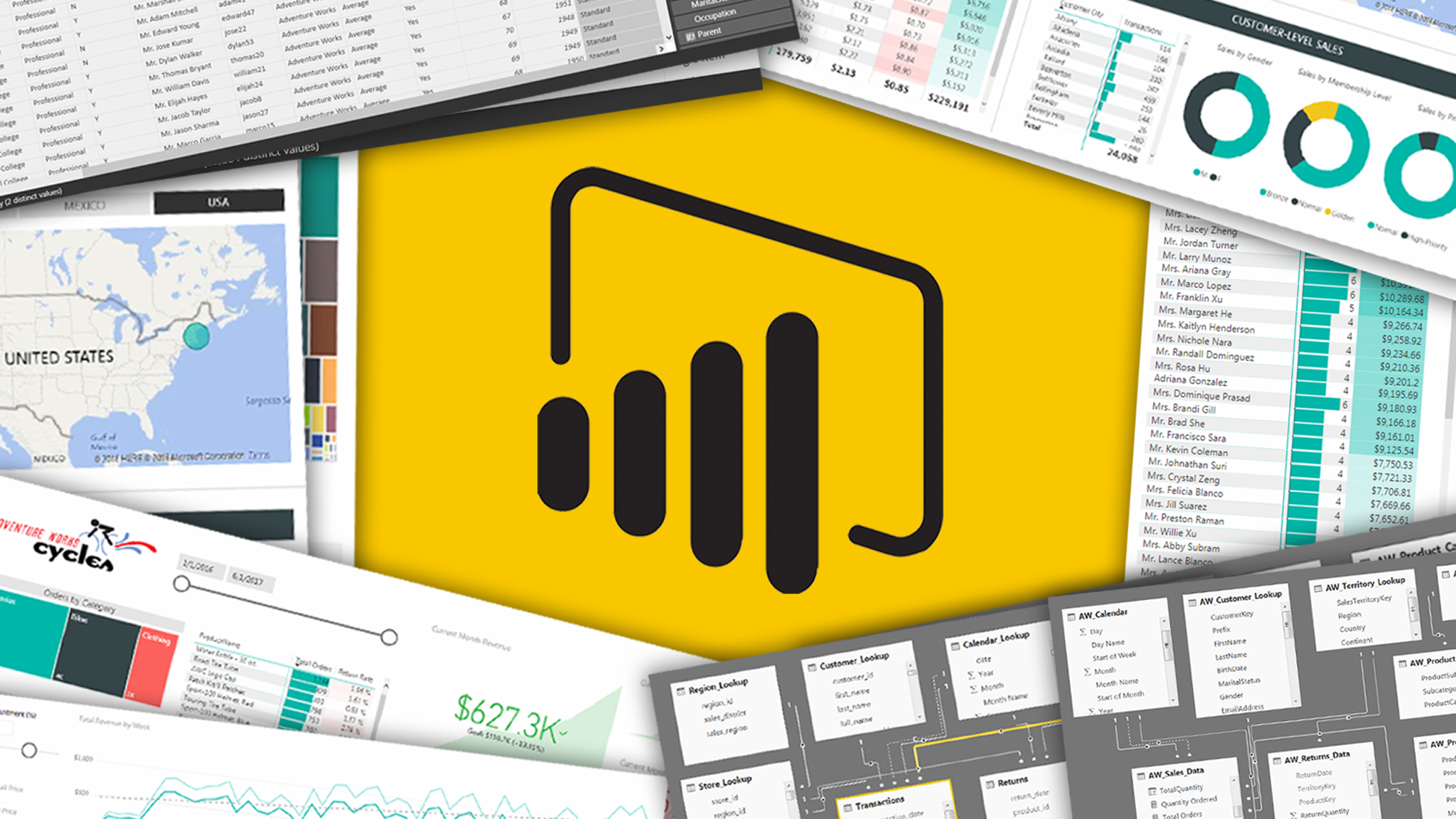
Training Program in Microsoft Power BI Desktop
5 DaysTraining Program in Microsoft Power BI Desktop
The Microsoft Power BI Desktop course, offered by the British Academy for Training and Development, is designed to provide a deep understanding of Power BI Desktop, one of the most powerful data visualization and business intelligence tools available today. This course aims to equip participants with the skills needed to import, transform, and visualize data effectively using Power BI Desktop, enhancing decision-making and data-driven insights. Participants will learn how to create impactful reports, interactive dashboards, and perform data analysis to deliver actionable business intelligence across various industries.
Overview
Course Objectives
Who Should Attend?
- Business analysts and data analysts.
- Project managers looking to leverage data visualization for decision-making.
- IT professionals seeking to enhance their skills in business intelligence tools.
- Managers and decision-makers who want to make data-driven business decisions.
- Any professional aiming to improve their data reporting and analysis capabilities.
Knowledge and Benefits:
After completing the program, participants will be able to master the following:
- Effectively navigate Microsoft Power BI Desktop and understand its core features.
- Import, transform, and clean data using Power Query Editor.
- Build powerful, interactive reports and dashboards using various data visualization techniques.
- Create calculated columns, measures, and perform data modeling.
- Share, publish, and collaborate on Power BI reports and dashboards for business analysis.
Course Outline
- Understanding Power BI Desktop Overview
- Introduction to Power BI Desktop interface and features.
- Exploring the different components of Power BI Desktop: Reports, Data, and Model.
- The role of Power BI in business intelligence and data visualization.
- Getting Started with Power BI Desktop
- Installing Power BI Desktop and setting up your first report.
- Connecting to various data sources: Excel, SQL Server, web data, etc.
- Basic overview of datasets, tables, and data models in Power BI.
- Navigating Power BI Desktop Interface
- Understanding the ribbon, panes, and views in Power BI.
- Customizing the interface for a more efficient workflow.
- Key tools for creating reports: Visualizations, Fields, and Filters.
- Introduction to Power Query Editor
- Understanding the Power Query Editor interface.
- Importing data from different sources: CSV, Excel, database, web.
- Common data transformation techniques: filtering, sorting, renaming columns.
- Data Cleansing Techniques
- Removing duplicates, handling missing values, and correcting data types.
- Splitting and merging columns.
- Combining data from multiple sources using merge and append queries.
- Advanced Data Transformations
- Applying custom transformations using M code.
- Grouping and summarizing data within the Power Query Editor.
- Managing query dependencies and optimizing query performance.
- Understanding Data Modeling
- The importance of data modeling in Power BI.
- Types of relationships: one-to-one, one-to-many, many-to-many.
- Defining relationships between tables in Power BI.
- Creating Calculated Columns and Measures
- Introduction to DAX (Data Analysis Expressions).
- Creating basic calculated columns and measures.
- Working with time intelligence in DAX (e.g., year-to-date, moving averages).
- Optimizing Data Models
- Best practices for optimizing data models for performance.
- Using star schema and snowflake schema in Power BI.
- Managing and understanding data granularity.
- Creating Visualizations in Power BI
- Understanding different types of visualizations: tables, charts, maps, and KPIs.
- How to choose the right visualization for your data.
- Customizing visuals for better storytelling (color, labels, formatting).
- Interactive Features: Filters, Slicers, and Drill-throughs
- Adding slicers and filters to reports for interactive data exploration.
- Drill-through and drill-down functionality for in-depth analysis.
- Using bookmarks and buttons to create dynamic report views.
- Designing Dashboards and Reports
- Combining multiple visualizations to create a comprehensive report.
- Designing user-friendly, responsive, and visually appealing dashboards.
- Working with themes and custom visuals for personalized reports.
- Publishing Reports to Power BI Service
- How to publish reports and datasets to the Power BI Service.
- Understanding the Power BI workspace and apps.
- Managing datasets, reports, and dashboards in Power BI Service.
- Sharing Reports and Collaboration
- Sharing reports and dashboards with colleagues and stakeholders.
- Setting up row-level security to control access to data.
- Creating and scheduling data refreshes to keep reports up-to-date.
- Power BI Mobile and Power BI Embedded
- Viewing and interacting with Power BI reports on mobile devices.
- Embedding Power BI reports into web pages or applications.
- Overview of Power BI’s API and customization options for developers.
Schedule & Fees
| Date | Location | Duration | Price | |
|---|---|---|---|---|
|
28 Jun 2026
to 02 Jul 2026 |
Online | 5 Days | USD 1,500 | Enroll Now |
|
28 Jun 2026
to 02 Jul 2026 |
Online | 5 Days | USD 1,500 | Enroll Now |
|
05 Jul 2026
to 09 Jul 2026 |
Online | 5 Days | USD 1,500 | Enroll Now |
|
05 Jul 2026
to 09 Jul 2026 |
Online | 5 Days | USD 1,500 | Enroll Now |
|
12 Jul 2026
to 16 Jul 2026 |
Online | 5 Days | USD 1,500 | Enroll Now |
|
12 Jul 2026
to 16 Jul 2026 |
Online | 5 Days | USD 1,500 | Enroll Now |
|
19 Jul 2026
to 23 Jul 2026 |
Online | 5 Days | USD 1,500 | Enroll Now |
|
19 Jul 2026
to 23 Jul 2026 |
Online | 5 Days | USD 1,500 | Enroll Now |
|
26 Jul 2026
to 30 Jul 2026 |
Online | 5 Days | USD 1,500 | Enroll Now |
|
26 Jul 2026
to 30 Jul 2026 |
Online | 5 Days | USD 1,500 | Enroll Now |
|
02 Aug 2026
to 06 Aug 2026 |
Online | 5 Days | USD 1,500 | Enroll Now |
|
02 Aug 2026
to 06 Aug 2026 |
Online | 5 Days | USD 1,500 | Enroll Now |
|
09 Aug 2026
to 13 Aug 2026 |
Online | 5 Days | USD 1,500 | Enroll Now |
|
09 Aug 2026
to 13 Aug 2026 |
Online | 5 Days | USD 1,500 | Enroll Now |
|
16 Aug 2026
to 20 Aug 2026 |
Online | 5 Days | USD 1,500 | Enroll Now |
|
16 Aug 2026
to 20 Aug 2026 |
Online | 5 Days | USD 1,500 | Enroll Now |
|
23 Aug 2026
to 27 Aug 2026 |
Online | 5 Days | USD 1,500 | Enroll Now |
|
23 Aug 2026
to 27 Aug 2026 |
Online | 5 Days | USD 1,500 | Enroll Now |
|
30 Aug 2026
to 03 Sep 2026 |
Online | 5 Days | USD 1,500 | Enroll Now |
|
30 Aug 2026
to 03 Sep 2026 |
Online | 5 Days | USD 1,500 | Enroll Now |
|
06 Sep 2026
to 10 Sep 2026 |
Online | 5 Days | USD 1,500 | Enroll Now |
|
06 Sep 2026
to 10 Sep 2026 |
Online | 5 Days | USD 1,500 | Enroll Now |
|
13 Sep 2026
to 17 Sep 2026 |
Online | 5 Days | USD 1,500 | Enroll Now |
|
13 Sep 2026
to 17 Sep 2026 |
Online | 5 Days | USD 1,500 | Enroll Now |
|
20 Sep 2026
to 24 Sep 2026 |
Online | 5 Days | USD 1,500 | Enroll Now |
|
20 Sep 2026
to 24 Sep 2026 |
Online | 5 Days | USD 1,500 | Enroll Now |
|
27 Sep 2026
to 01 Oct 2026 |
Online | 5 Days | USD 1,500 | Enroll Now |
|
27 Sep 2026
to 01 Oct 2026 |
Online | 5 Days | USD 1,500 | Enroll Now |
|
04 Oct 2026
to 08 Oct 2026 |
Online | 5 Days | USD 1,500 | Enroll Now |
|
04 Oct 2026
to 08 Oct 2026 |
Online | 5 Days | USD 1,500 | Enroll Now |
|
11 Oct 2026
to 15 Oct 2026 |
Online | 5 Days | USD 1,500 | Enroll Now |
|
11 Oct 2026
to 15 Oct 2026 |
Online | 5 Days | USD 1,500 | Enroll Now |
|
18 Oct 2026
to 22 Oct 2026 |
Online | 5 Days | USD 1,500 | Enroll Now |
|
18 Oct 2026
to 22 Oct 2026 |
Online | 5 Days | USD 1,500 | Enroll Now |
|
25 Oct 2026
to 29 Oct 2026 |
Online | 5 Days | USD 1,500 | Enroll Now |
|
25 Oct 2026
to 29 Oct 2026 |
Online | 5 Days | USD 1,500 | Enroll Now |
|
01 Nov 2026
to 05 Nov 2026 |
Online | 5 Days | USD 1,500 | Enroll Now |
|
01 Nov 2026
to 05 Nov 2026 |
Online | 5 Days | USD 1,500 | Enroll Now |
|
08 Nov 2026
to 12 Nov 2026 |
Online | 5 Days | USD 1,500 | Enroll Now |
|
08 Nov 2026
to 12 Nov 2026 |
Online | 5 Days | USD 1,500 | Enroll Now |
|
15 Nov 2026
to 19 Nov 2026 |
Online | 5 Days | USD 1,500 | Enroll Now |
|
15 Nov 2026
to 19 Nov 2026 |
Online | 5 Days | USD 1,500 | Enroll Now |
|
22 Nov 2026
to 26 Nov 2026 |
Online | 5 Days | USD 1,500 | Enroll Now |
|
22 Nov 2026
to 26 Nov 2026 |
Online | 5 Days | USD 1,500 | Enroll Now |
|
29 Nov 2026
to 03 Dec 2026 |
Online | 5 Days | USD 1,500 | Enroll Now |
|
29 Nov 2026
to 03 Dec 2026 |
Online | 5 Days | USD 1,500 | Enroll Now |
|
06 Dec 2026
to 10 Dec 2026 |
Online | 5 Days | USD 1,500 | Enroll Now |
|
06 Dec 2026
to 10 Dec 2026 |
Online | 5 Days | USD 1,500 | Enroll Now |
|
13 Dec 2026
to 17 Dec 2026 |
Online | 5 Days | USD 1,500 | Enroll Now |
|
13 Dec 2026
to 17 Dec 2026 |
Online | 5 Days | USD 1,500 | Enroll Now |
|
20 Dec 2026
to 24 Dec 2026 |
Online | 5 Days | USD 1,500 | Enroll Now |
|
20 Dec 2026
to 24 Dec 2026 |
Online | 5 Days | USD 1,500 | Enroll Now |
|
27 Dec 2026
to 31 Dec 2026 |
Online | 5 Days | USD 1,500 | Enroll Now |
|
27 Dec 2026
to 31 Dec 2026 |
Online | 5 Days | USD 1,500 | Enroll Now |